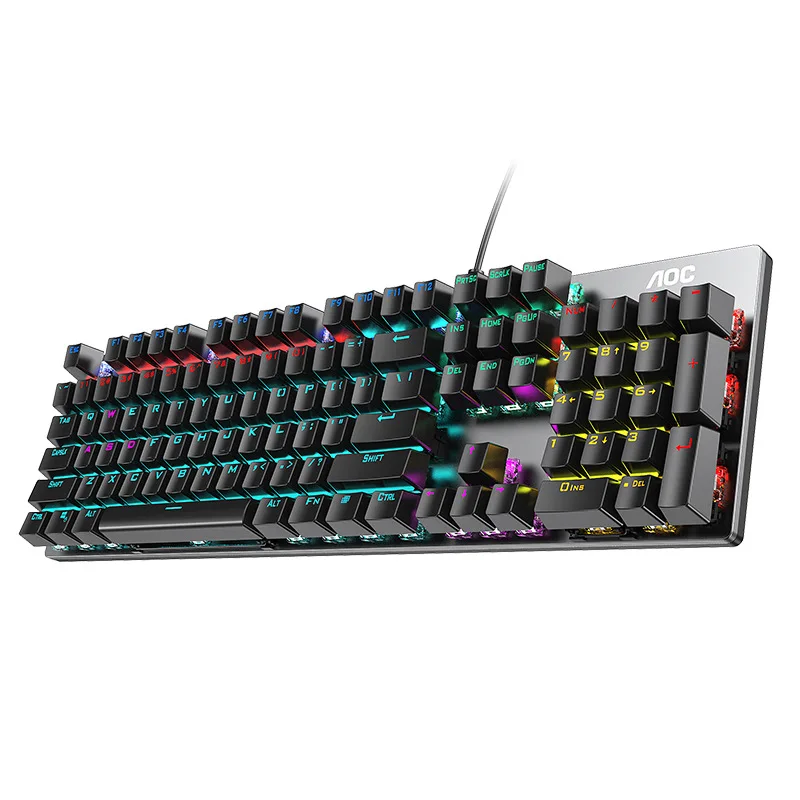
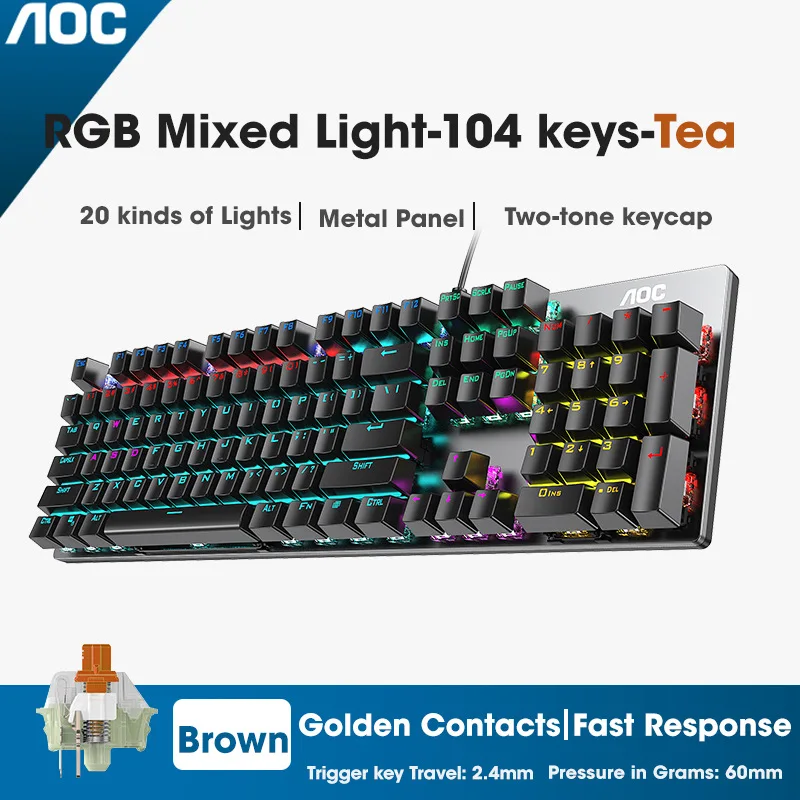
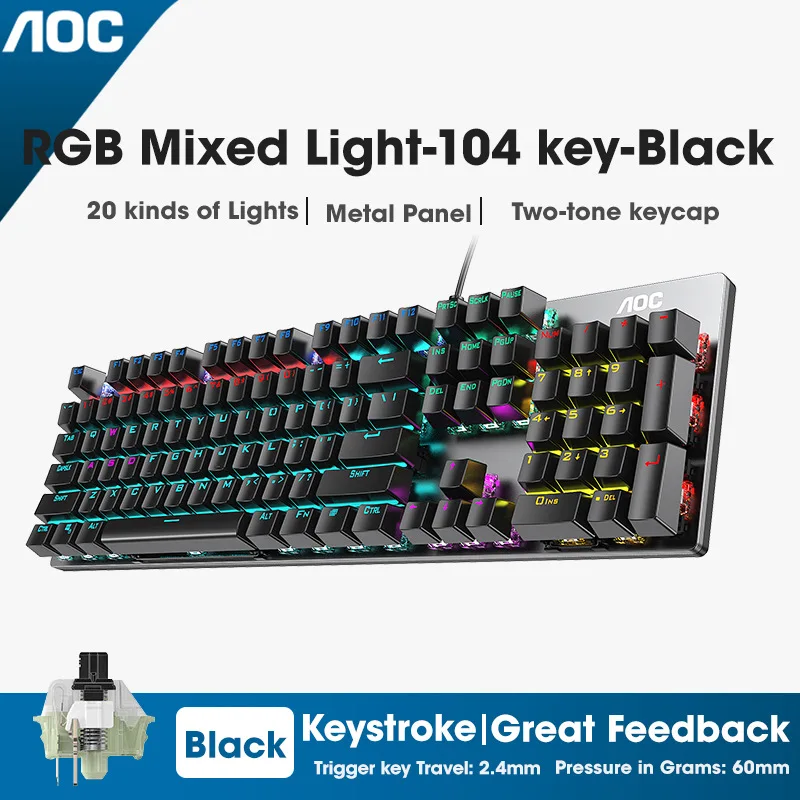
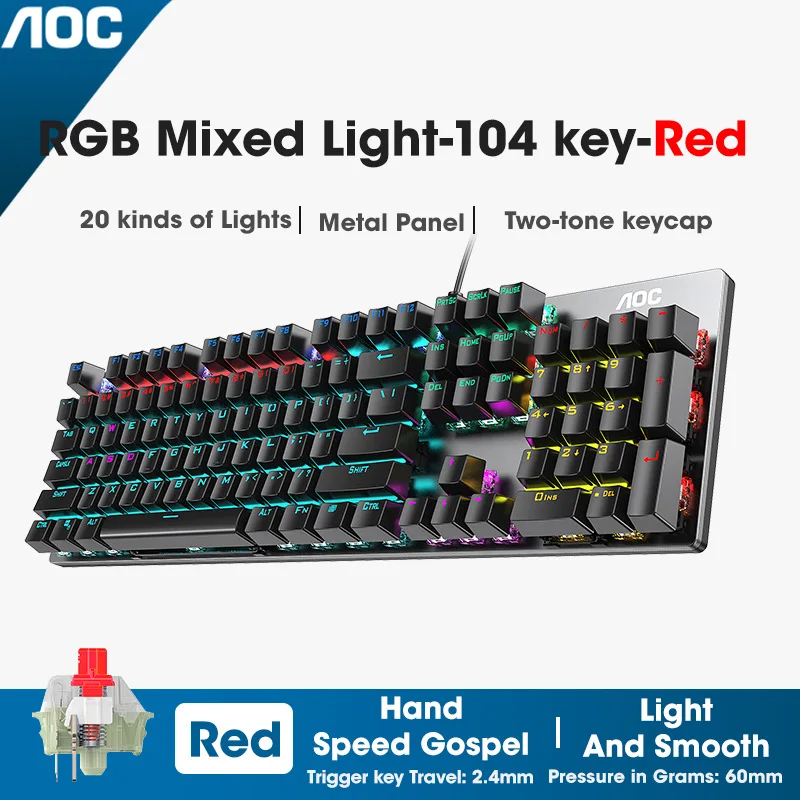
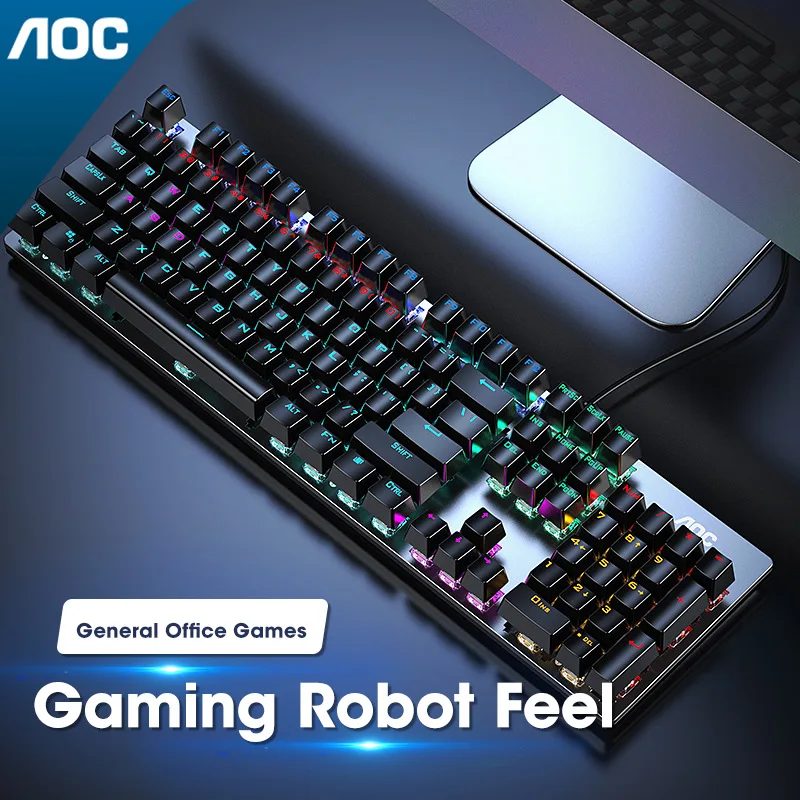
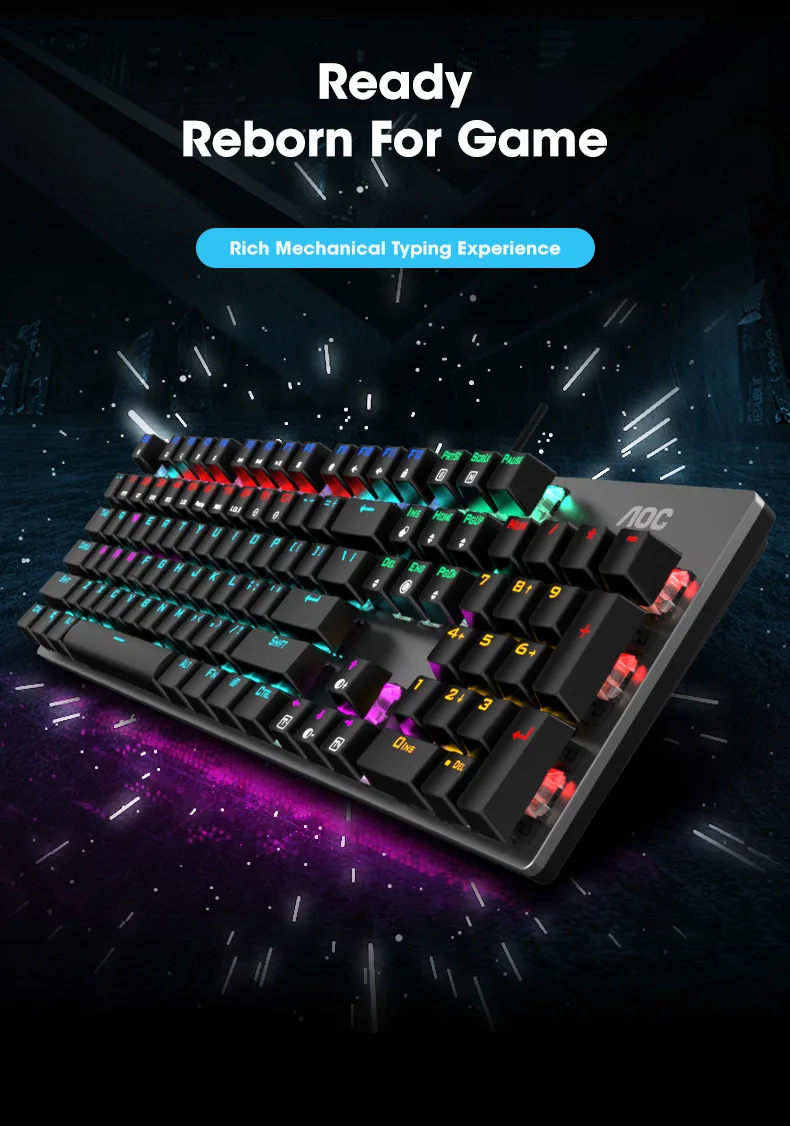
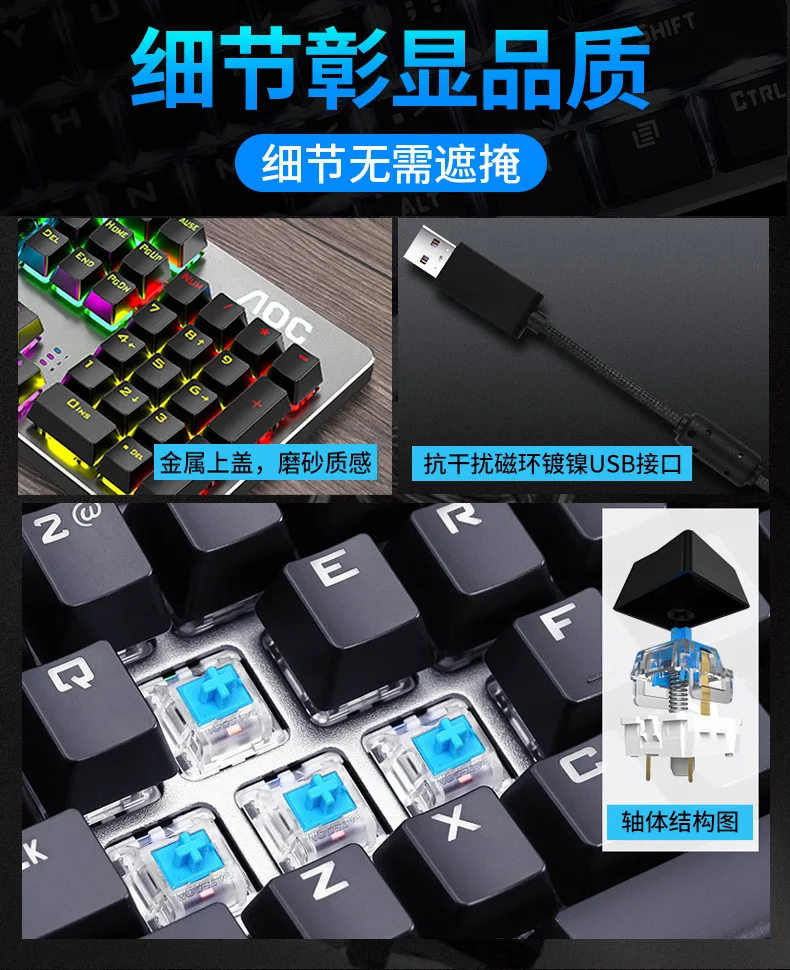
GK410 104 Keys Metal Panel Mechanical Keyboard RGB Light green black tea axis esports full non-impact game computer keyboard
Taxes included.
Only 3 left
Description
SPECIFICATIONS
Application: Desktop,Laptop,Number,Tablet
Backlight Type: Multicolor
Brand Name: NoEnName_Null
Certification: RoHS
Choice: yes
Full Size keyboard: Yes
High-concerned chemical: none
Interface Type: USB
Keyboard Standard: 104 Keys
Keycup material: Abs plastic
Language: Russian,English
Operation Style: Mechanical
Origin: Mainland China
Package: Yes
Style: Standard
Switches Hot swap: no
Type: Wired
Wrist Support: No


GK410 104 Keys Metal Panel Mechanical Keyboard RGB Light green black tea axis esports full non-impact game computer keyboard
Important
This is GK410 keyboard. It has 4 kinds of switch.
We also support many different kinds of languages for different country., if you want different language, please ask us.
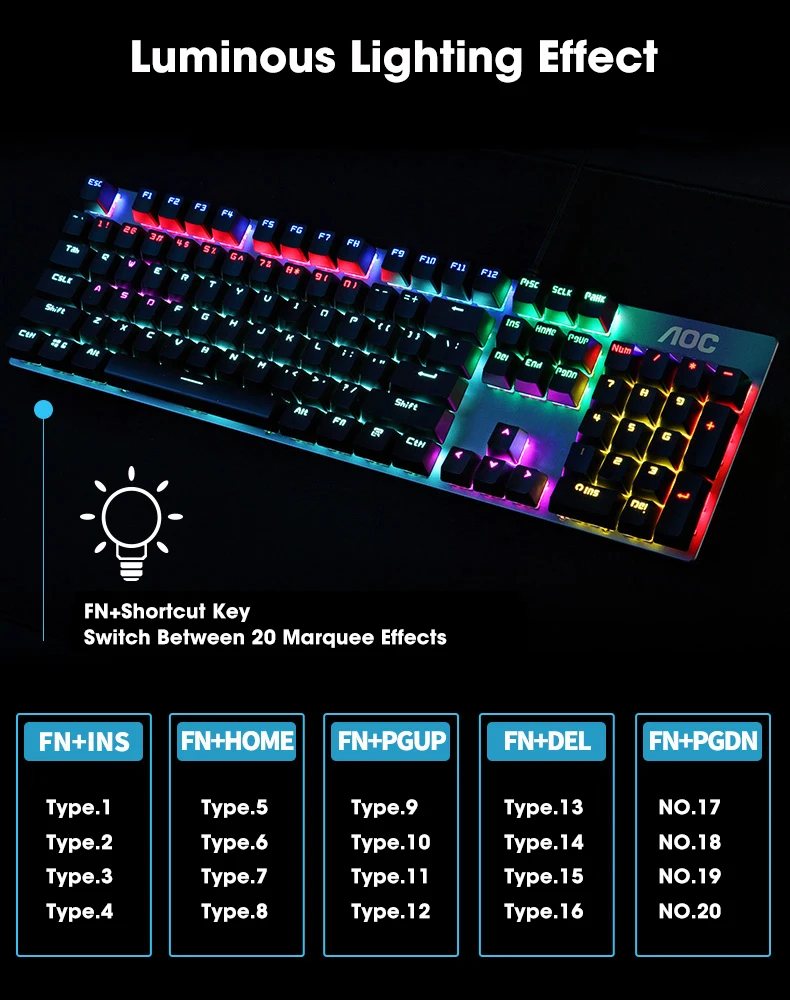
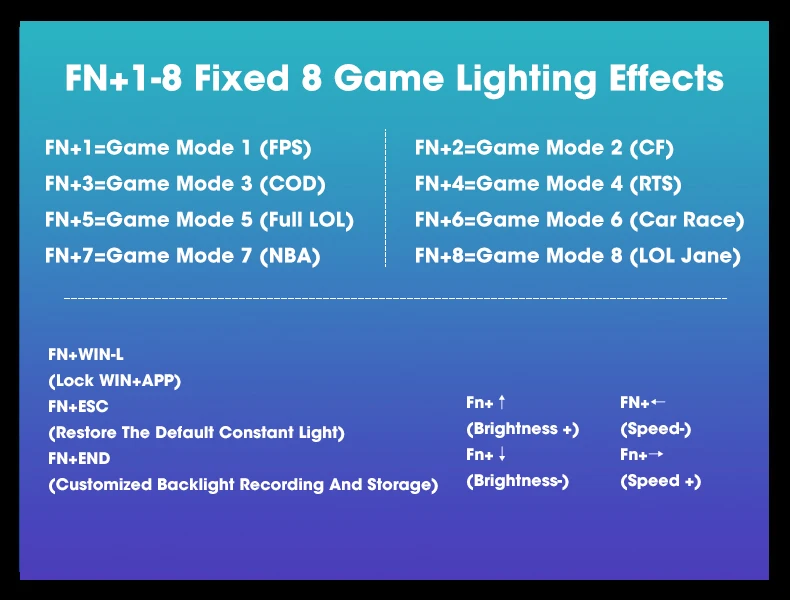
The keyboard has 20 kinds of lights modes. Each cap has it own color, different light mode makes different caps on/off make
keyboard colorfull RGB light.
It also has self define mode for light on/off. You can design different light on/off for different games.
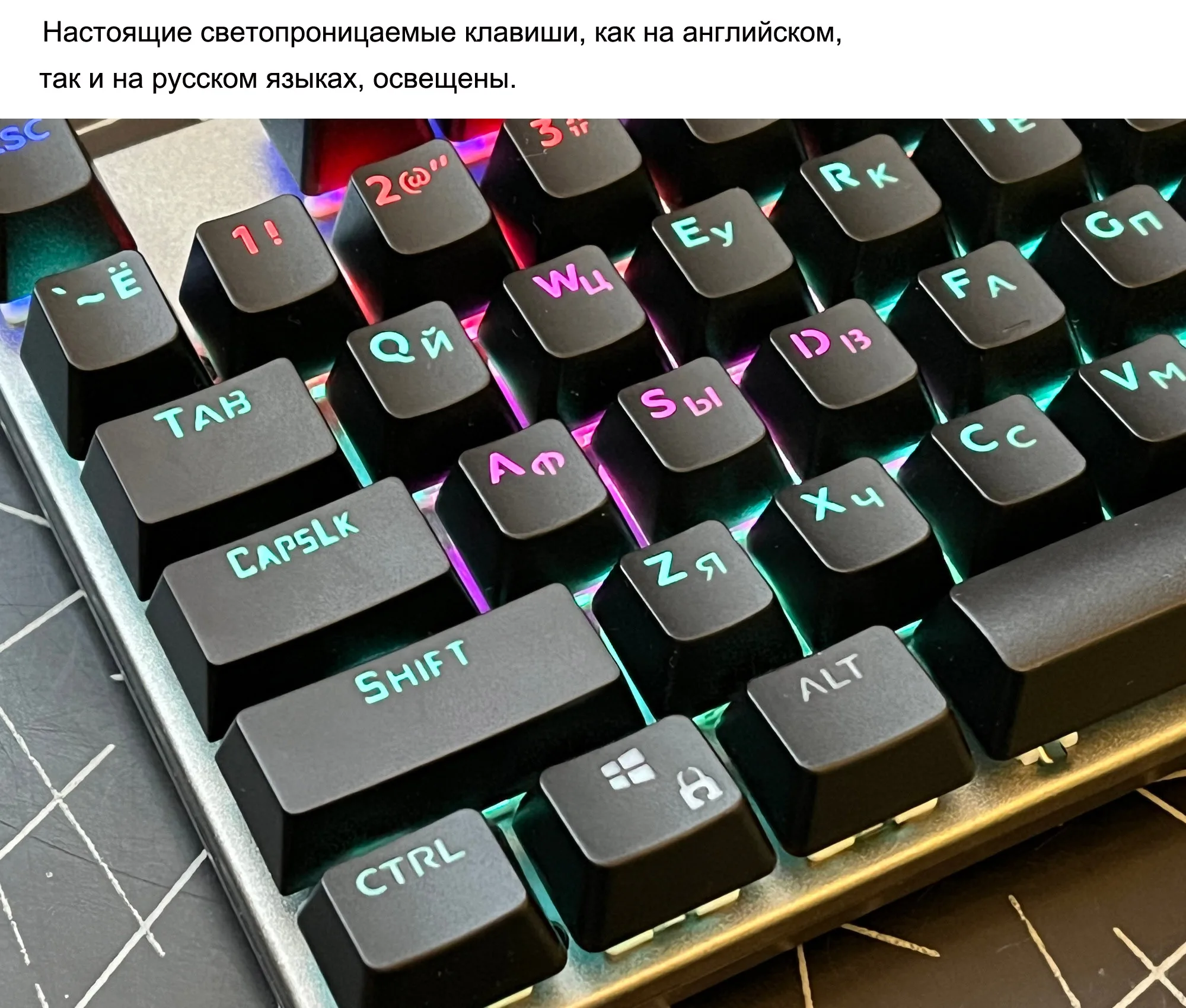
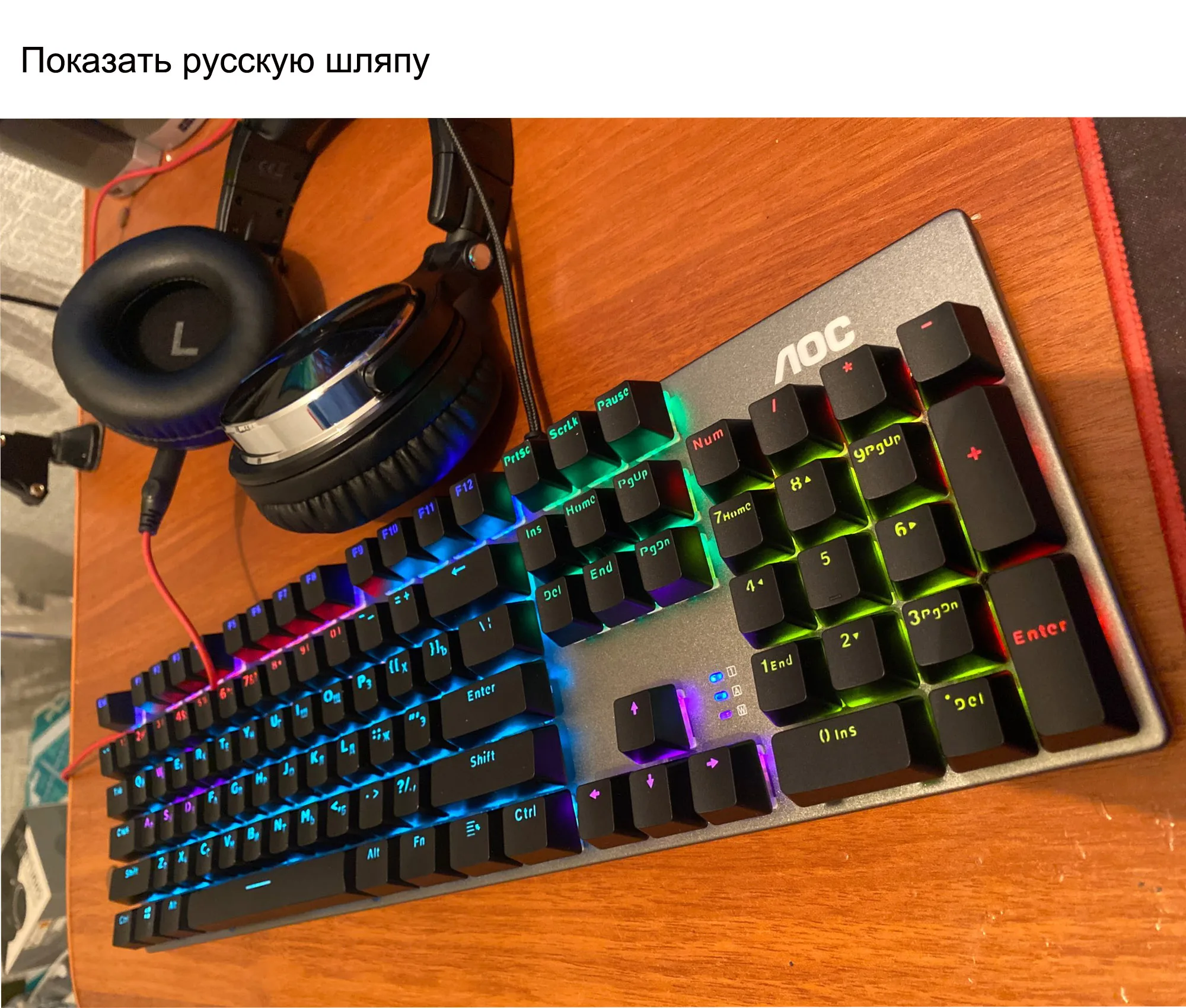
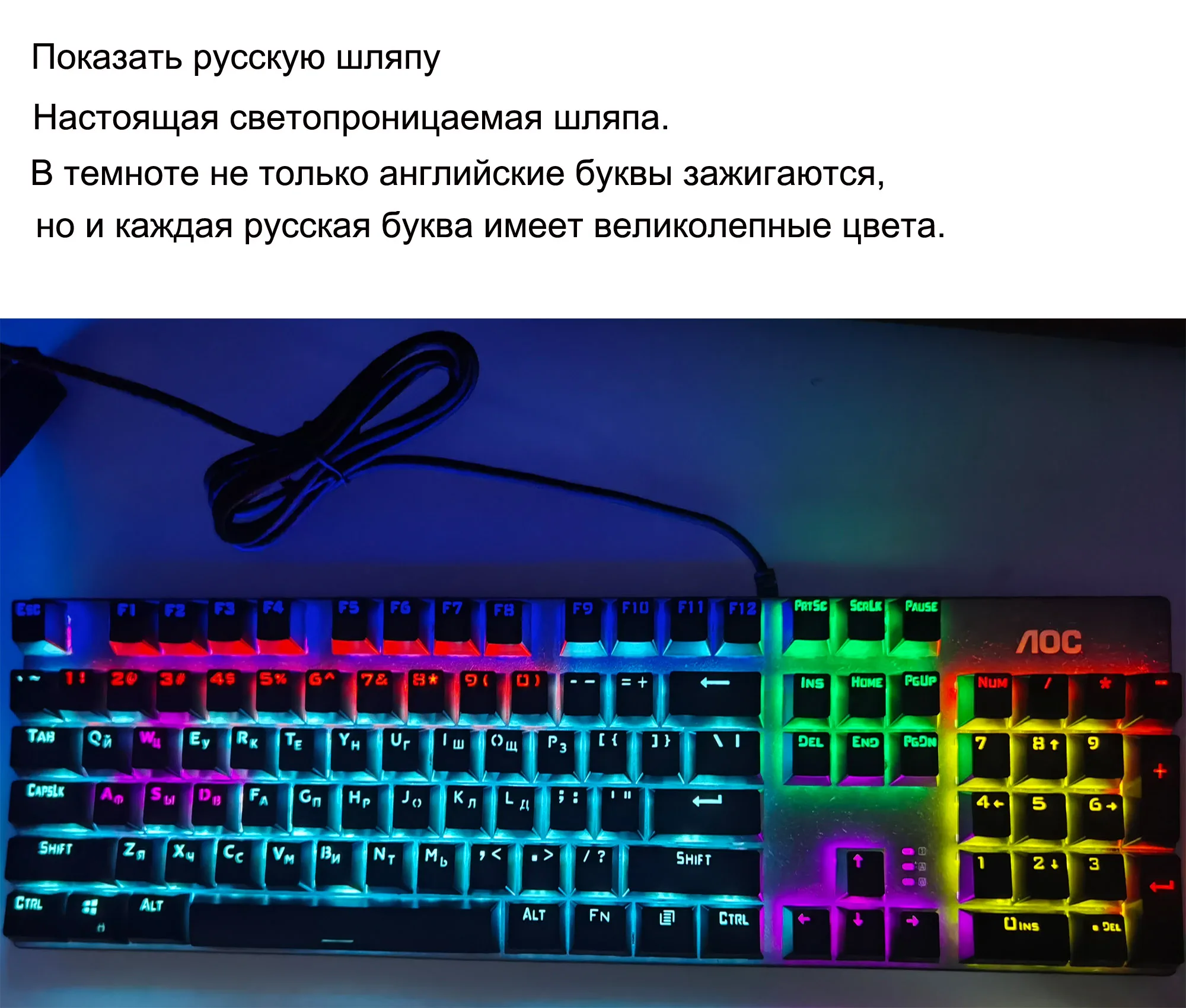
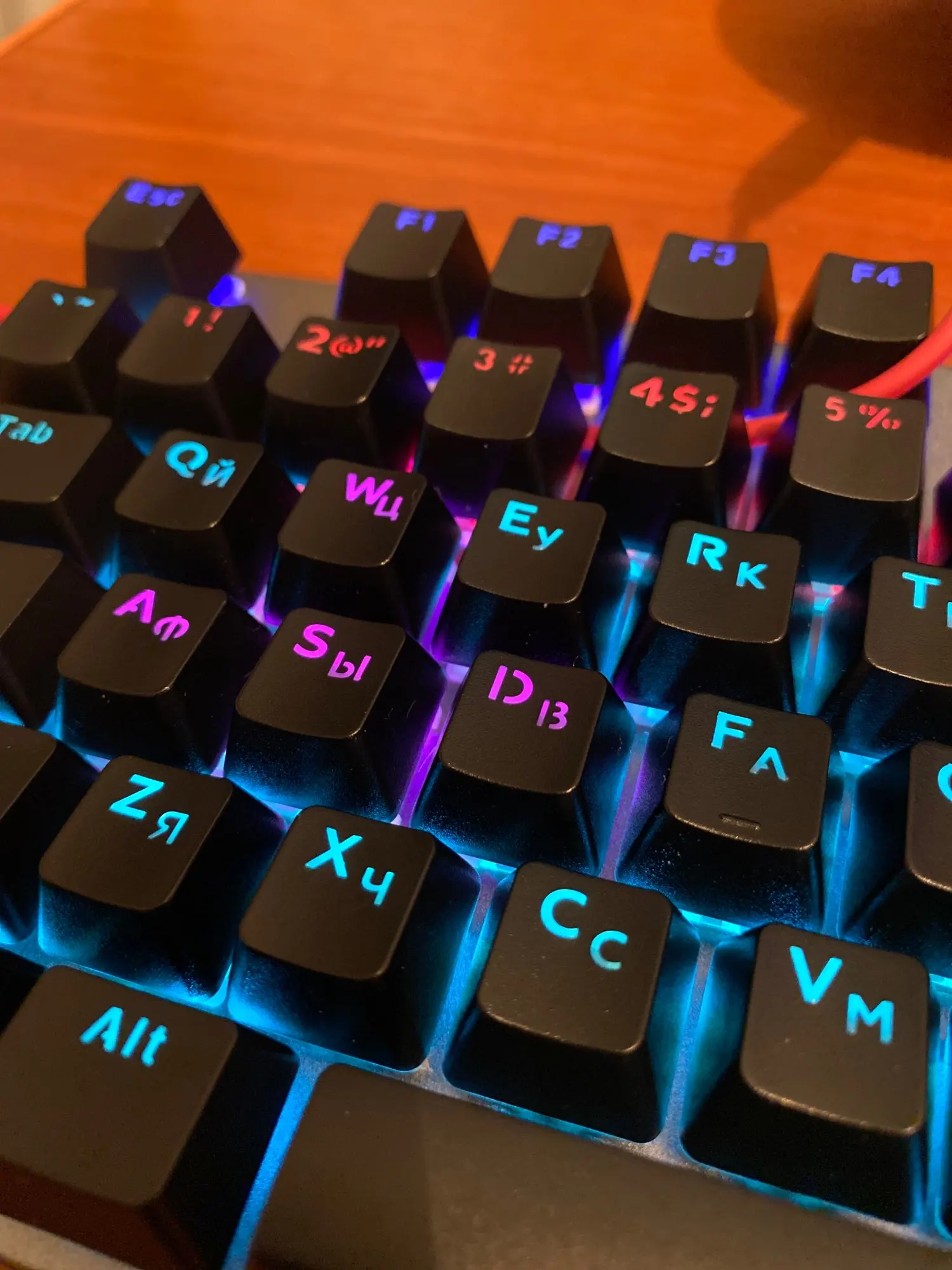
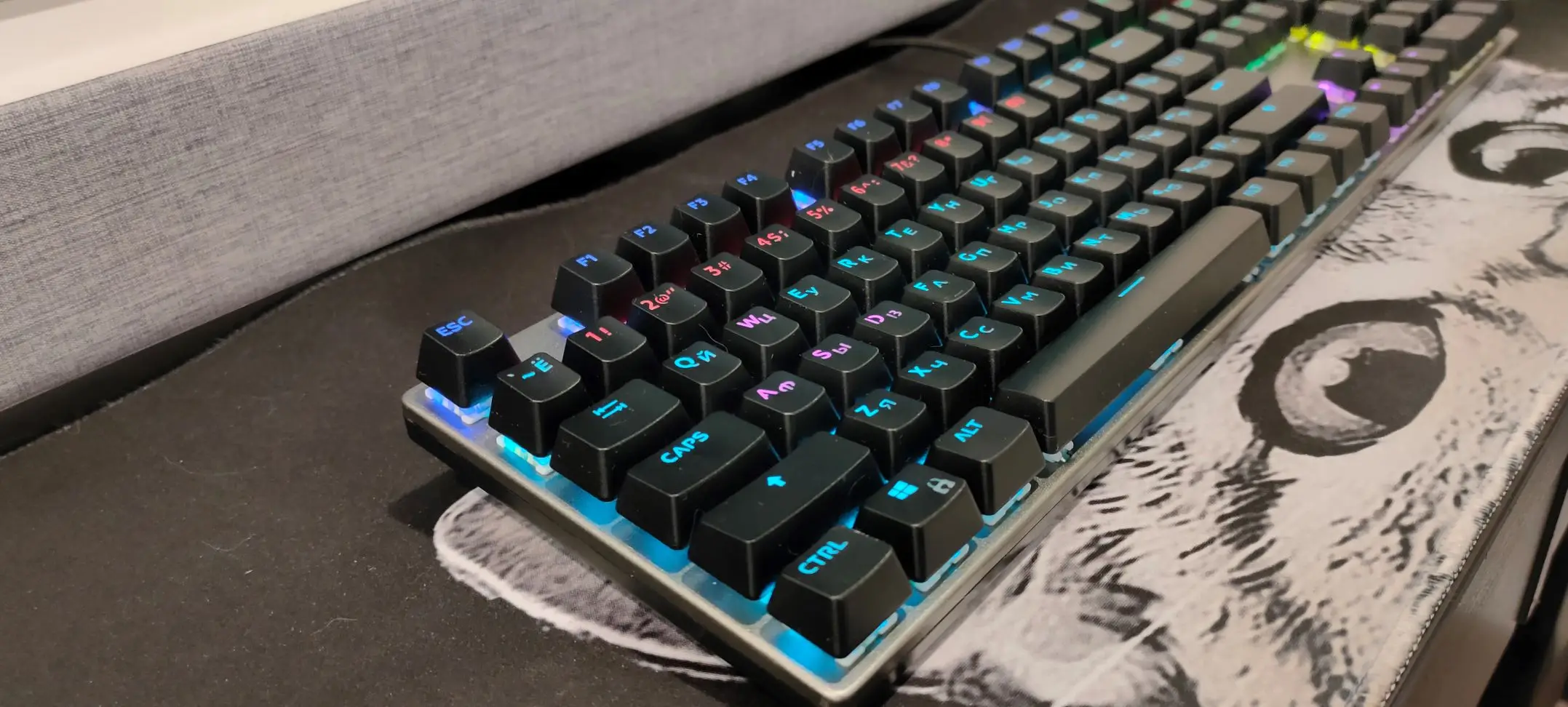
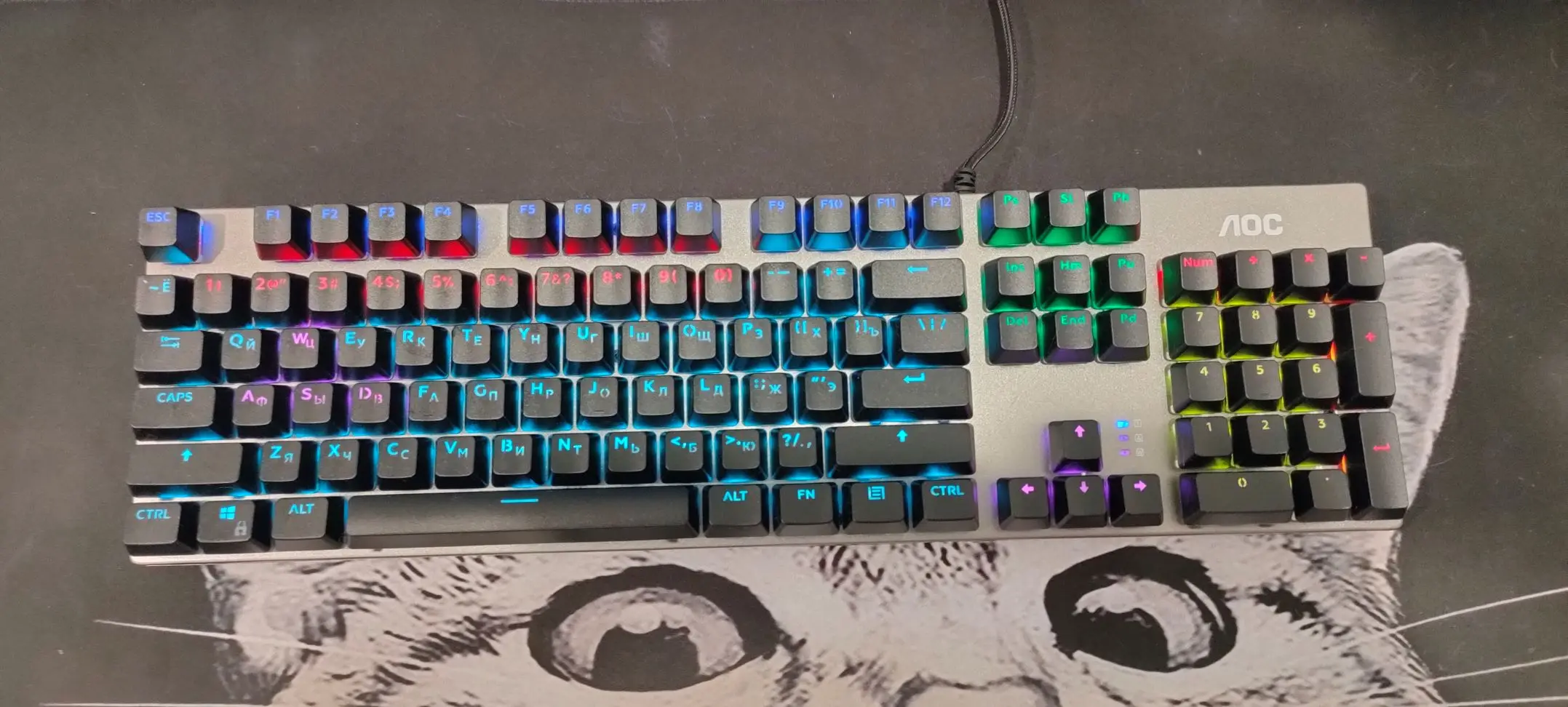
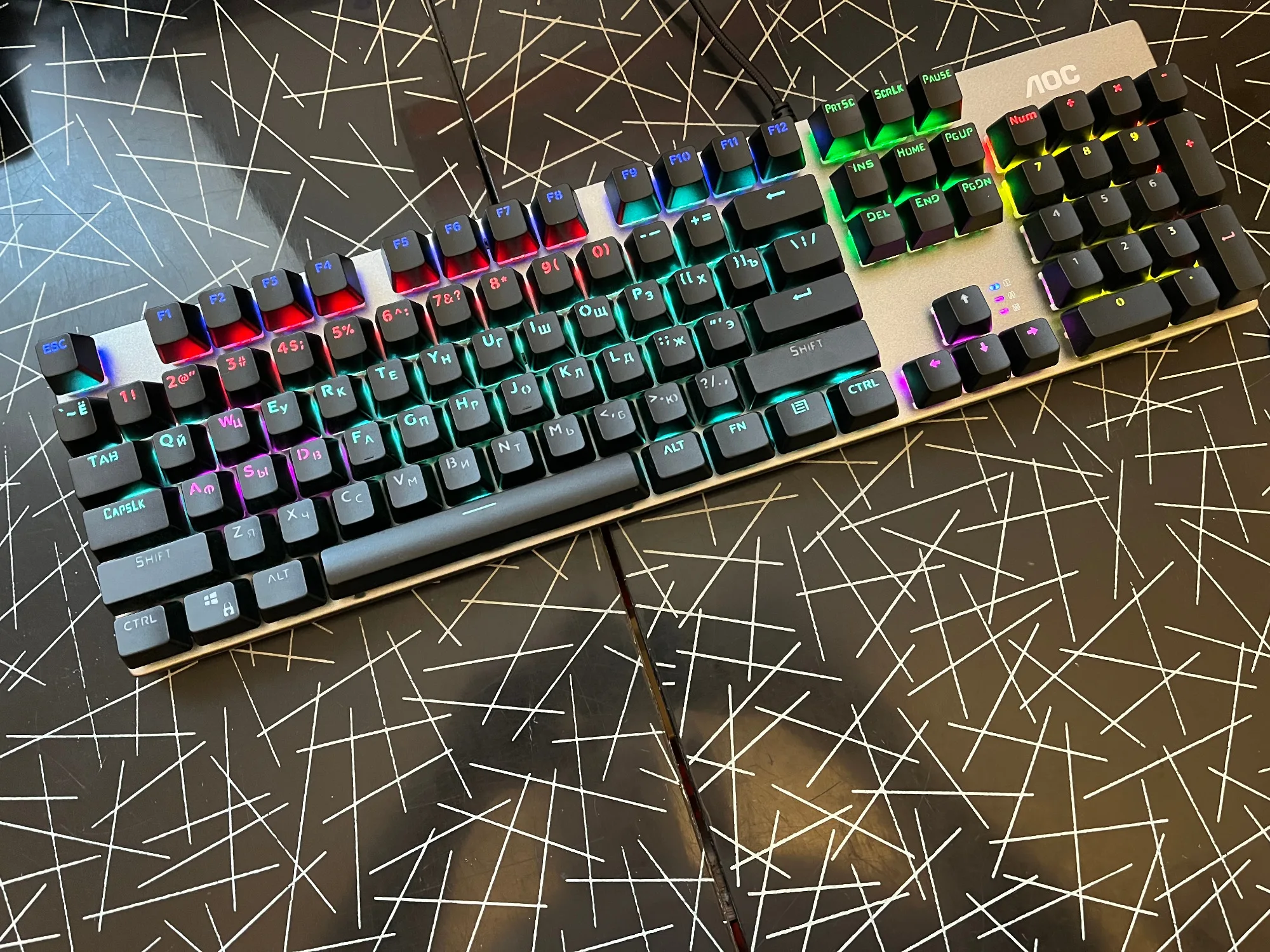
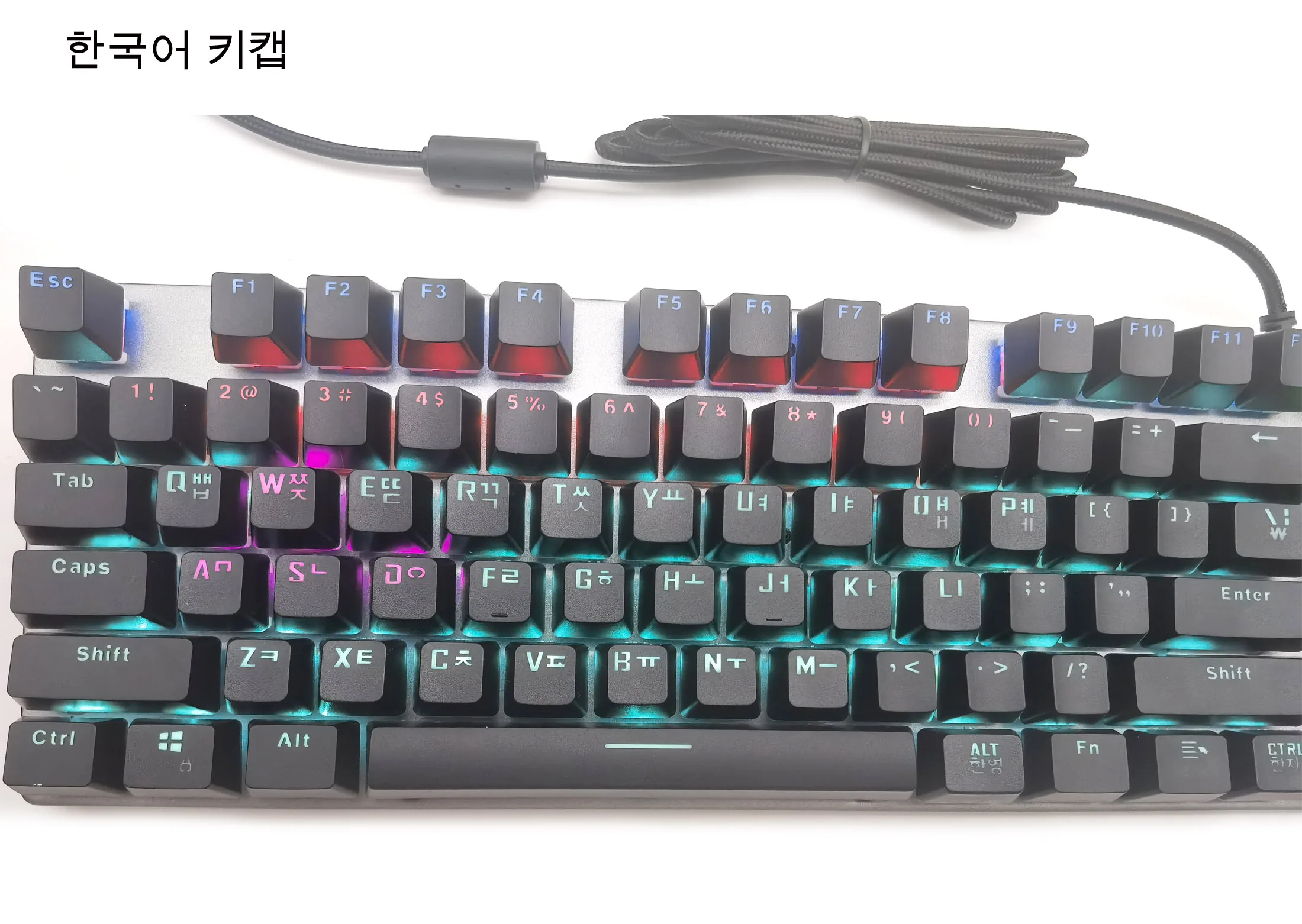
Different with other brands keyboards, Our key caps are not only English part is transparent, but also the Russian and Korean parts of the key caps are transparent. They can be clearly displayed even in dark environments.
True translucent key caps
Different with other brands keyboards, all of our Russian and Korean key caps are transparent.
Other brand keycaps are only transparent in English, while the Russian part is not.
Our key caps are not only English part is transparent, but also the Russian and Korean parts of the key cap are transparent and can be clearly displayed even in dark environments.
Korean keycap
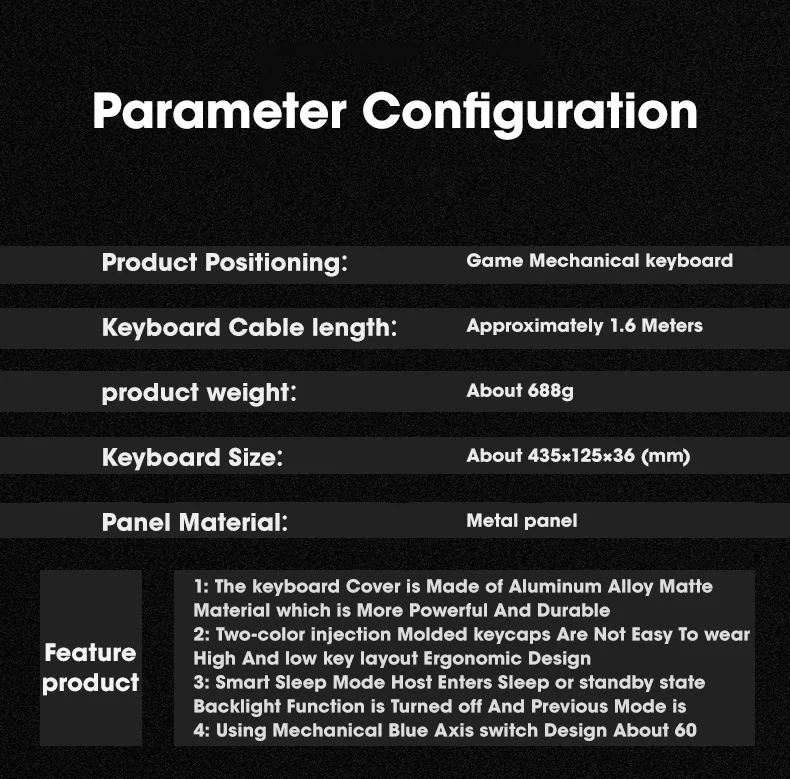
Customize back light
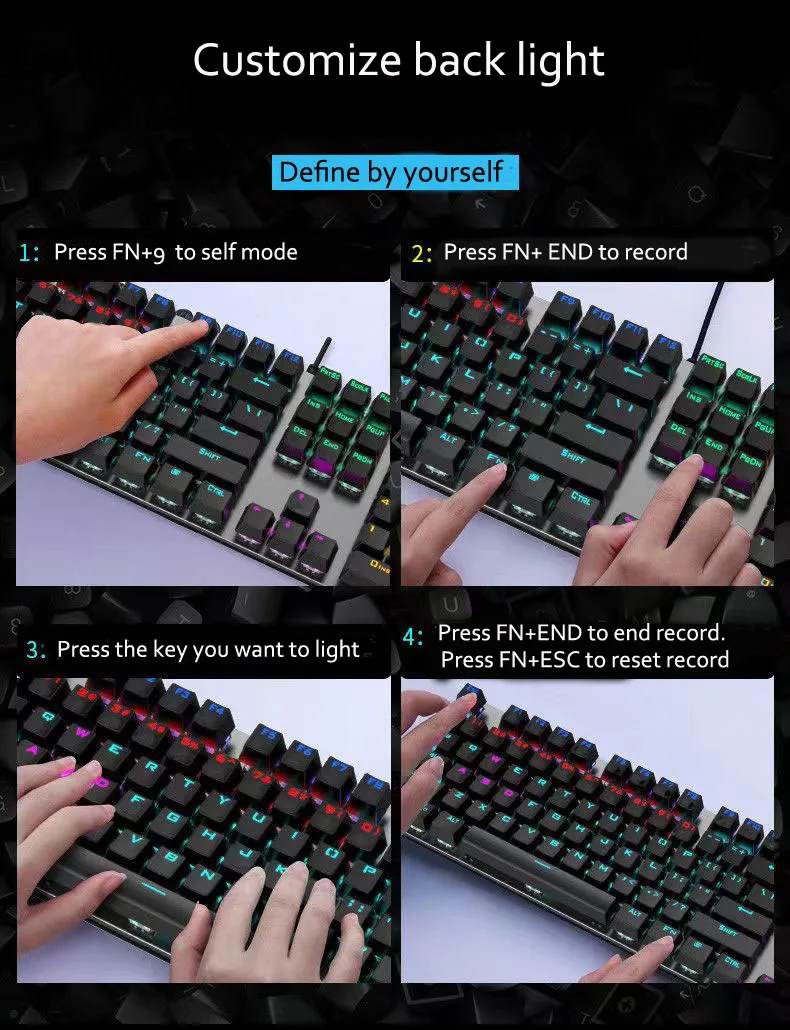
This keyboard could defined light on/off.
1. Press Fn+ 9 to self mode
2.Press FN+END to record. At same time, the indicator light flash.
3.Press the key you want to light.
4. Press FN+END to finish Record.
5. After you finish gaming, Press FN+ESC to reset the keyboard.
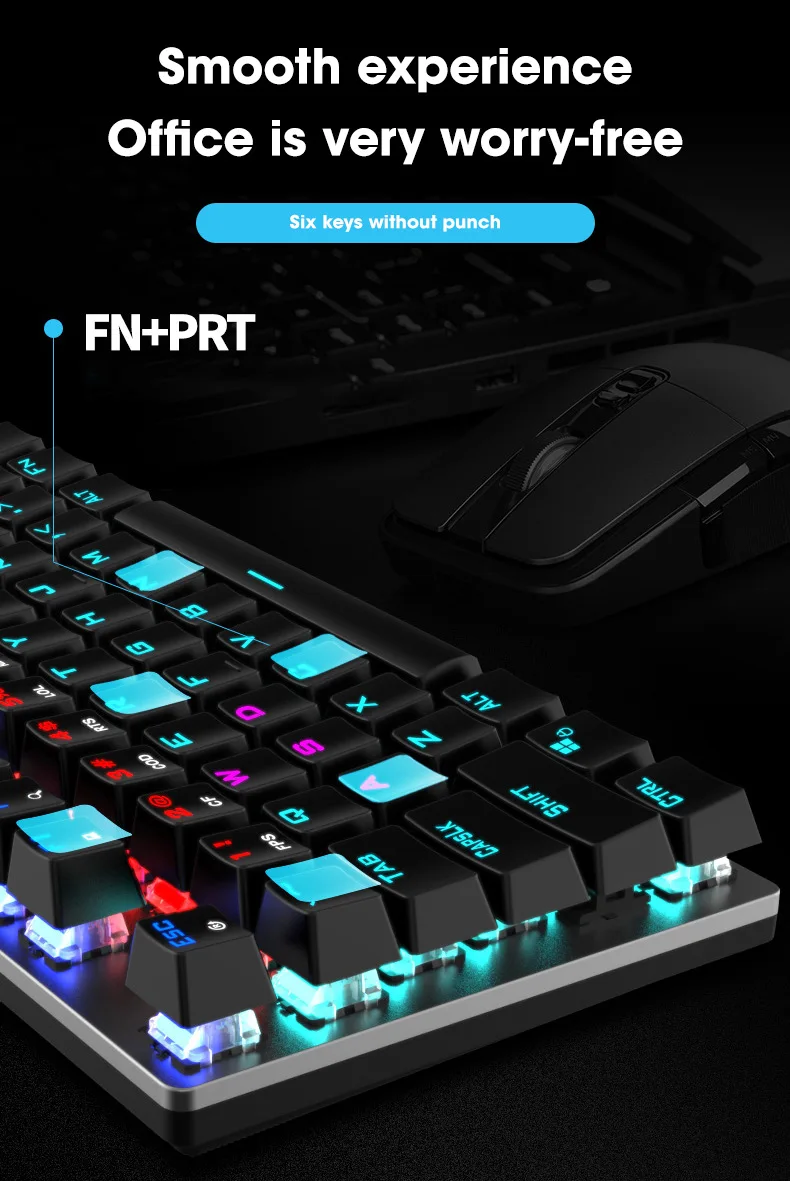
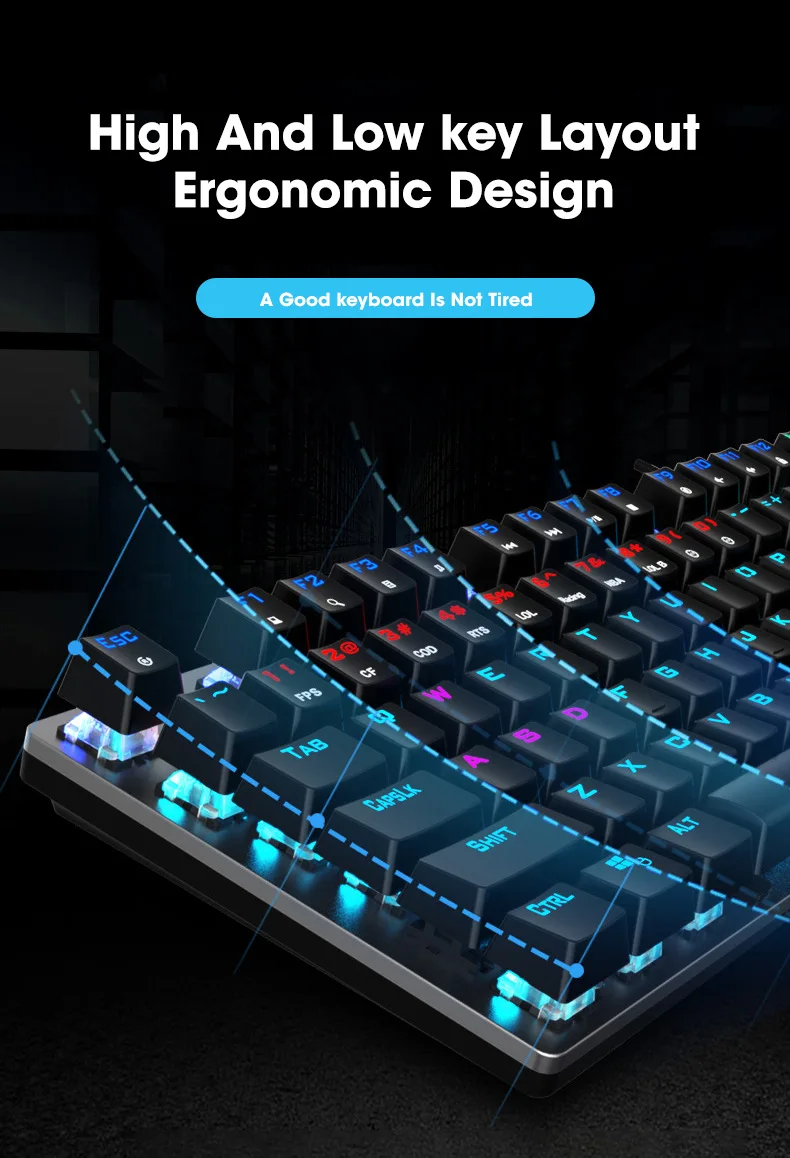
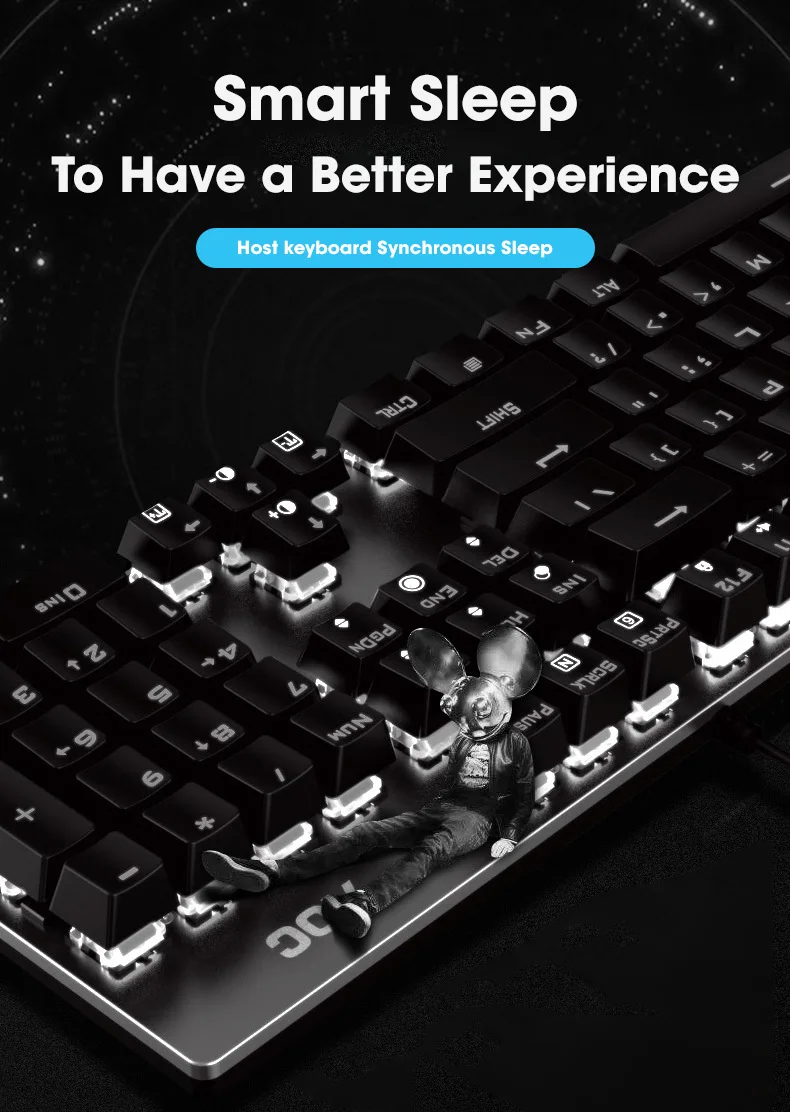
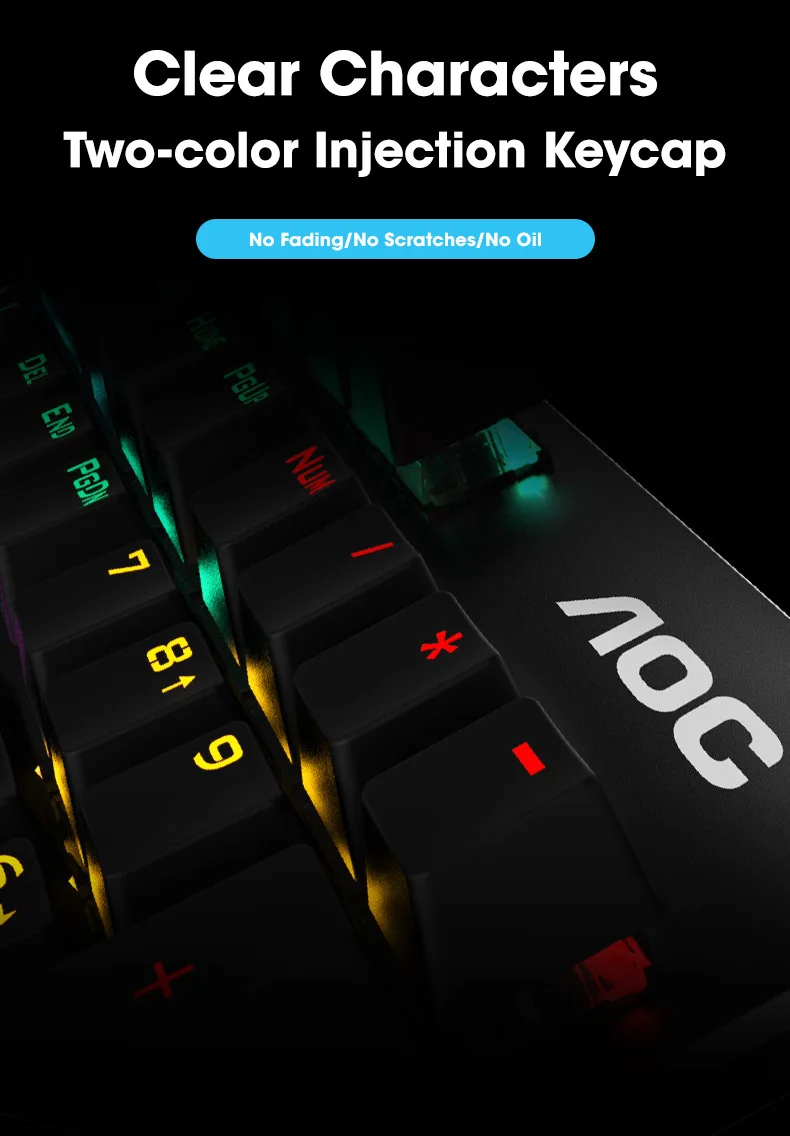
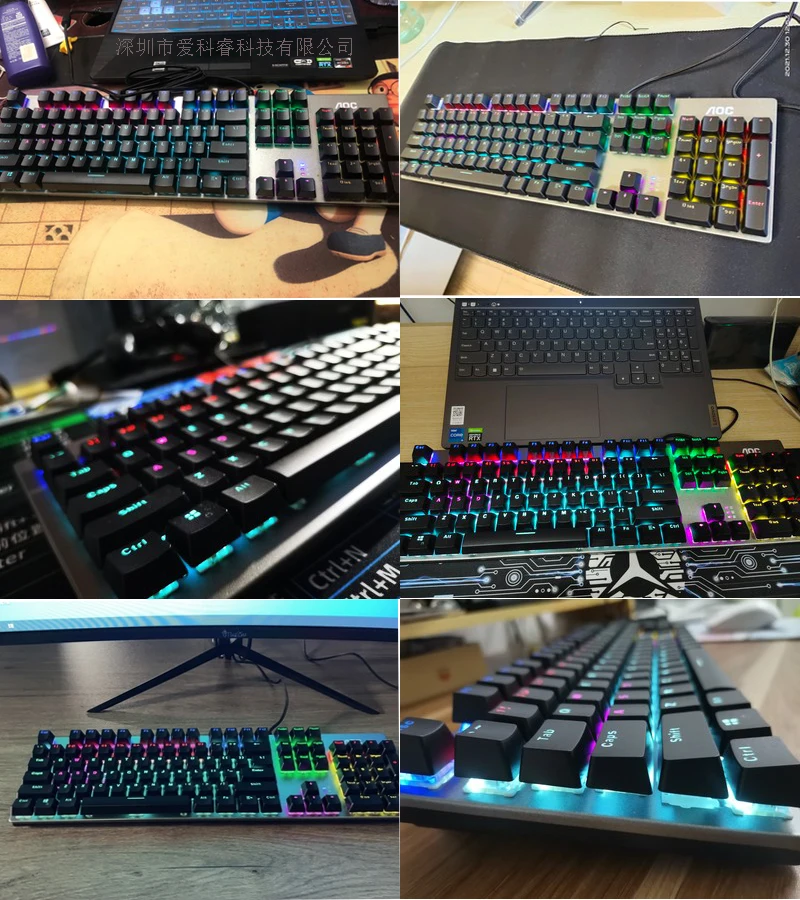
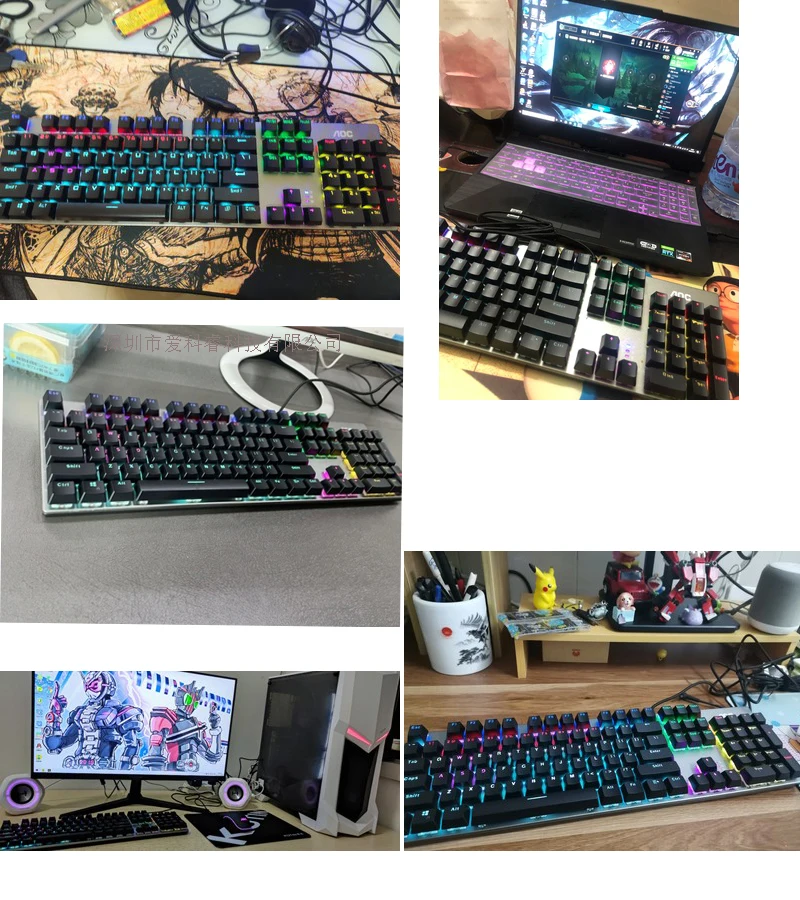
Product shows